
Workspace Settings
The Settings section of the Kinescope dashboard brings together all workspace-level configuration: from appearance and branding to team management and API access. Find documentation for each settings tab below.
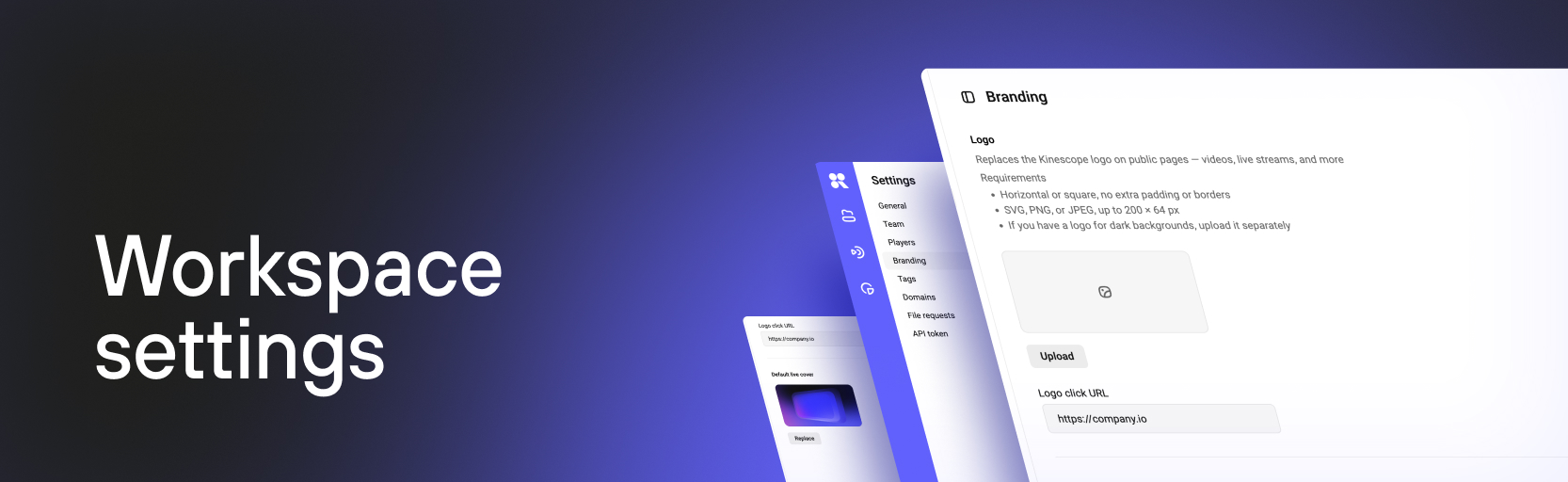
What’s in workspace settings
General
Workspace name, interface language, and general account parameters.
Learn more about profile and workspace settings →
Team
Invite members and configure roles and access rights.
Learn more about team management →
Players
Player template manager — create and manage templates for player appearance and behavior.
Learn more about player customization →
Branding
Replace the Kinescope logo with your own on public-facing pages — videos, live streams, and more. Set a default live stream cover image.
Tags
Manage tags to organize content in your catalog.
Learn more about organizing your media library →
Domains
Allowlist of domains where video embedding is permitted.
Learn more about access restrictions →
File requests
Receive files from external users without granting access to your account.
Learn more about file requests →
API token
Manage tokens for working with the Kinescope API.
What’s next?
- Content Protection — restrict video access by domain, password, or token
- Integrations — connect third-party services to your workspace
- Developer Guides — API, webhooks, and advanced capabilities