
Video Player: Setup and Embedding
The Kinescope video player is a powerful tool for playing and embedding video on your sites. In this section you will find everything you need to configure, customize, and integrate the player.
Who this section is for
- Website owners and bloggers — want to embed video on their site
- Developers — need API integration or player customization
- Marketers and content creators — need to style the player to match their brand
- LMS and educational platform administrators — need to protect content and configure access
Where to start
- Need to show video on a website — take the ready-made embed code from the embedding article
- The player should look like your product — colours, logo, and controls are configured in player customization
- Need a list of lessons or a table of contents next to the player — take the code for embeddable widgets
- The player needs to be controlled from code — see the IFrame Player API: methods, events, and playlists
What’s in this section
- Embedding — responsive and fixed embed code, URL parameters, calls to action, and page load optimization
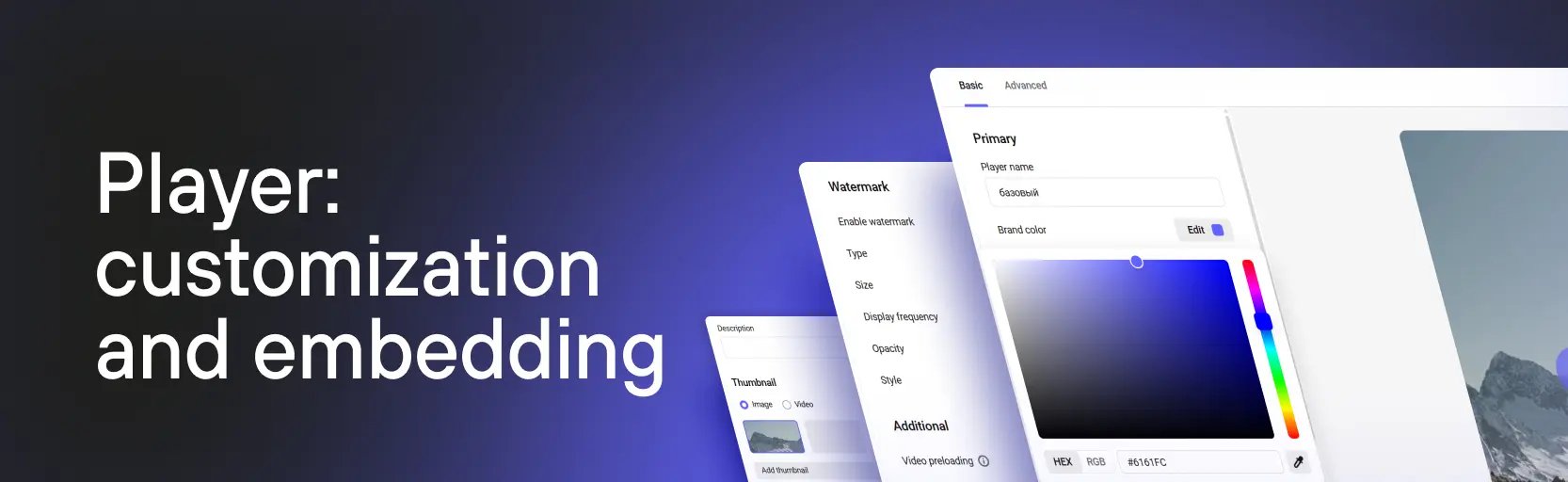
- Player customization — player templates, colour, logo, and the set of controls
- Embeddable widgets — the playlist list and the chapters list next to an embedded player
- Advertising — integrating advertising tags to monetize content
For developers: Full player documentation with code examples, IFrame API, events, playlists, analytics integrations, and advanced settings is available at player documentation.
What’s next?
After setting up the player we recommend:
- Catalog and video management — file access settings, subtitles, chapters, and view analytics
- Content protection — watermarks, DRM, and access restrictions
- Developer guides — API, webhooks, and programmatic player control
- Resolving issues — what to do if video doesn’t load, doesn’t play, or behaves unexpectedly
Still have questions? Write to the support chat within the Kinescope interface — our specialists will help!