
Speak (beta)
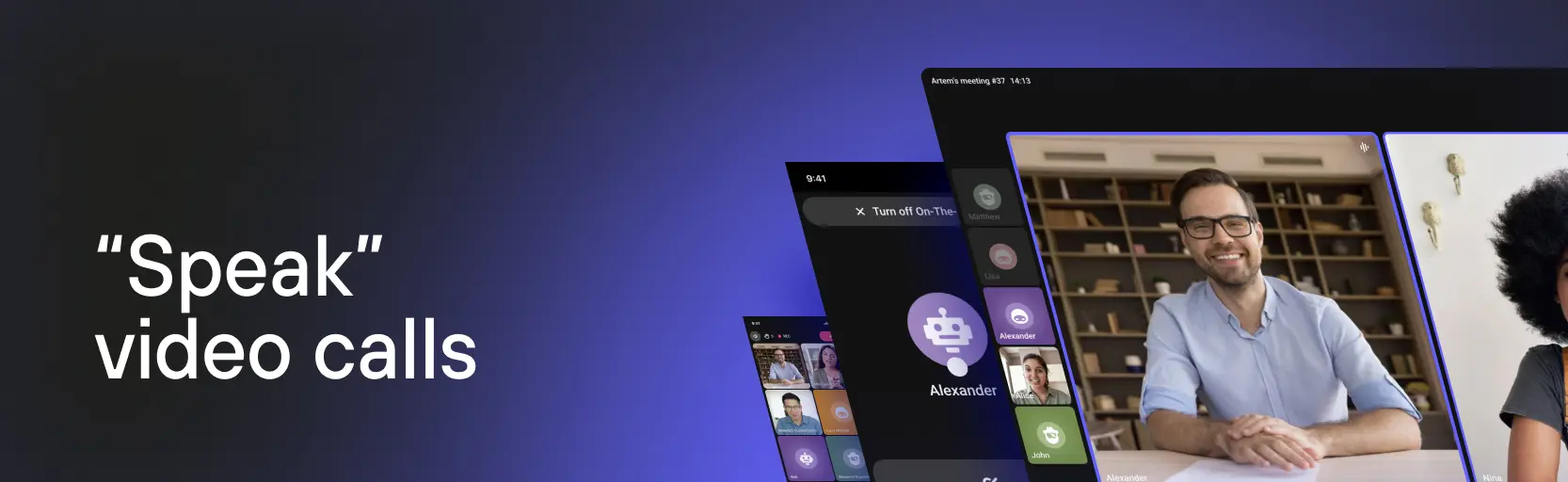
Speak is a video meeting feature in Kinescope. Run online meetings, webinars, and video calls directly on the platform with recording and streaming capabilities. All participants can communicate via video and chat, and meetings can be recorded for later viewing.
Who this section is for
- Webinar organizers — need to host online events with recording capability
- Teams — need to hold video meetings and calls
- Teachers — need to run online lessons with recording
- Corporate clients — need a video conferencing solution
What’s in this section
- What is Speak? — how to create a meeting, invite participants, and turn on recording and streaming
- Restreaming in Speak — streaming a meeting to YouTube, Twitch, and Telegram from the room
- Drawing over screen sharing — marker and disappearing ink over the shared screen, drawing permission for participants
- Speak login link with the administrator role — for developers: a JWT token in the room link
Capabilities
Video meetings. Several participants, video and audio, screen sharing, and chat.
Meeting recording. The recording is saved to the catalog, where it can be edited and published like any other video.
Meeting streaming. Viewers watch the meeting without joining the conversation.
Meeting restreaming. The meeting goes out to external platforms straight from the room, with no capture software.
Drawing over screen sharing. The presenter circles and marks things right on the shared screen — every participant sees the drawings, and they go into the recording.
Headline under the name. A position or a company shows under a participant’s name — on a business call there is no need to introduce yourself out loud.
Waiting room. Participants do not enter the meeting straight away: the host admits each one by hand and can decline or block anyone unwanted.
Connection with the platform. Recordings live in the shared catalog, with analytics and content protection applied to them.
What it’s good for
Webinars and online events. Questions in chat, screen sharing, recording, and streaming for those who missed the live session.
Team meetings. Discussions with recording, so you can come back to them later.
Online lessons. The class runs live, and the recording stays with students for later.
What’s next?
After getting to know Speak we recommend:
- Live streams — for broadcasts with video encoders, restreaming, and quality monitoring
- Catalog and video management — recorded meetings and view analytics
- Content protection — restricting access to meeting recordings
- Troubleshooting and support — what to do when something goes wrong with a meeting
Still have questions? Write to the support chat within the Kinescope interface — our specialists will help!