
Pricing and Billing
This section contains all information about Kinescope pricing plans, payment methods, and document management. Everything you need to choose the right plan and set up billing is here.
What’s in this section
- Kinescope pricing plans: how to choose and pay — all plans, feature comparison, cost calculation examples, and payment methods
Plans in brief
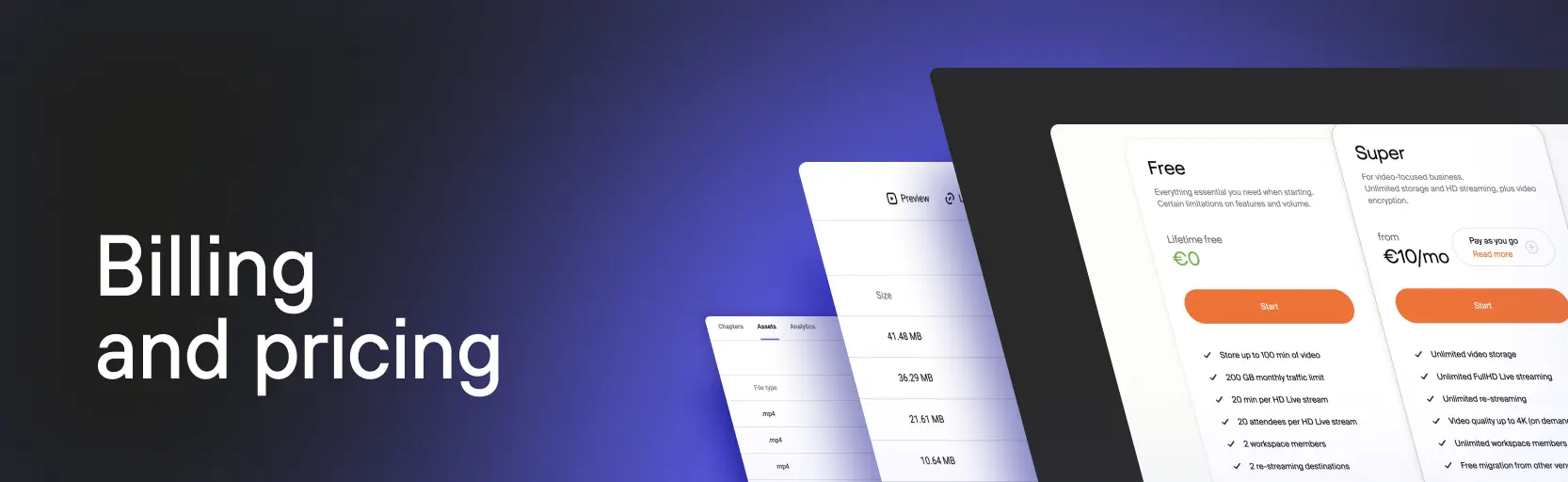
Kinescope has three pricing plans: Free — for small teams and getting to know the platform, Super — for businesses, with pay-as-you-go billing, Mega — for large-scale projects on individual terms.
On the Super plan you pay for the resources you actually use: video storage, CDN traffic, and transcoding. Billing is post-paid — an invoice is generated automatically on the 1st of each month for the previous month.
What’s next?
After choosing a plan and setting up billing we recommend:
- Getting started — create your first project and upload video
- Catalog and video management — organizing your media library and view analytics
If you have questions, write to the support chat within the Kinescope interface — our specialists will help!