
Kinescope feature overview
This section covers the main features of the Kinescope platform. You’ll learn what you can do with video, how to organize content, and what tools are available for working with video content.
Who this article is for
- New users — need to quickly understand what the platform offers
- Potential customers — want to evaluate Kinescope’s functionality
- All users — need an overview of available tools and capabilities
Dashboard
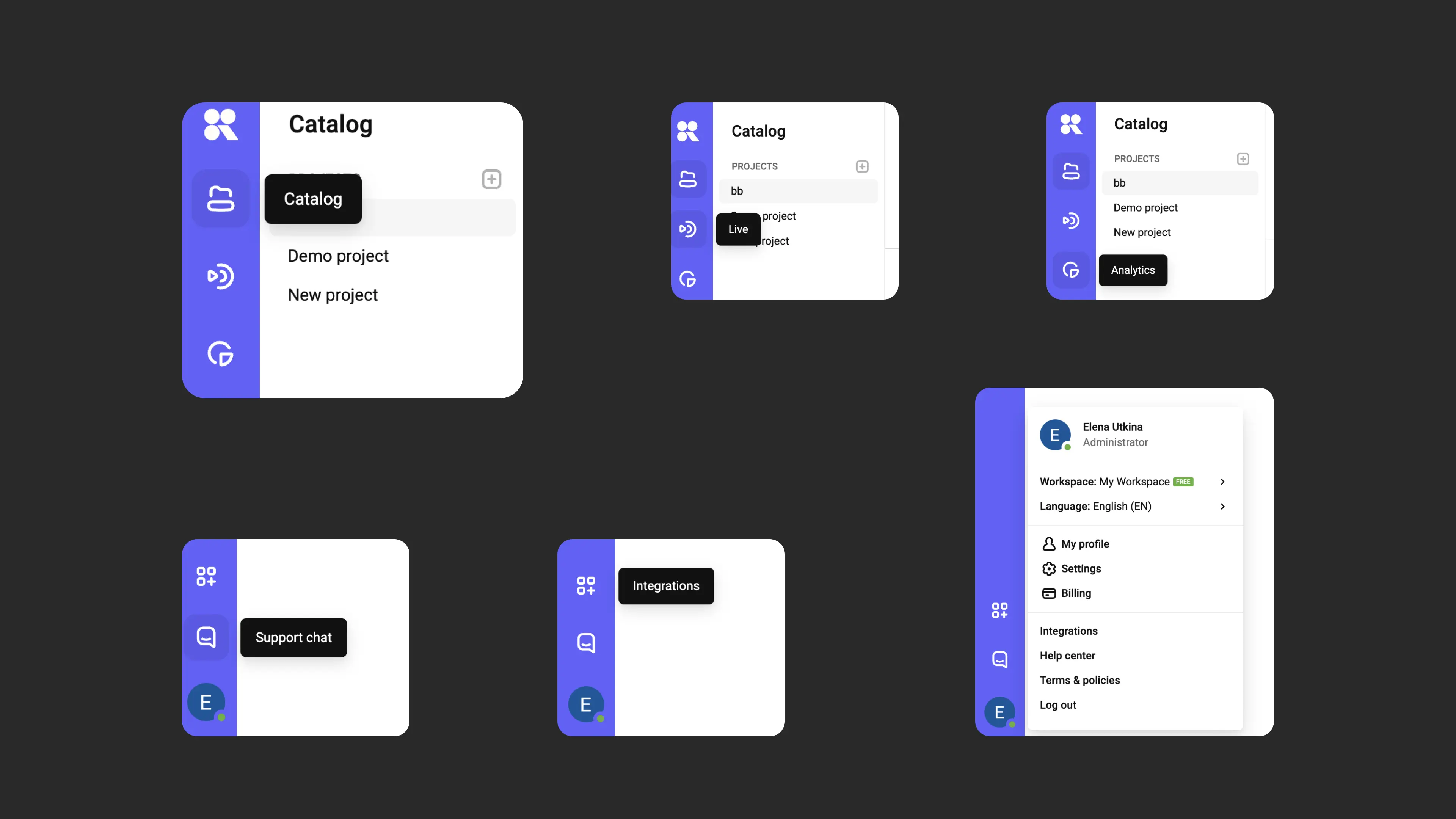
The dashboard is your quick access point to the platform’s key sections: catalog, live streams, analytics, integrations, support, profile and workspace management. It is pinned on the left and accessible from anywhere in the system.
Learn more about the dashboard in the article Creating your first project and uploading files.
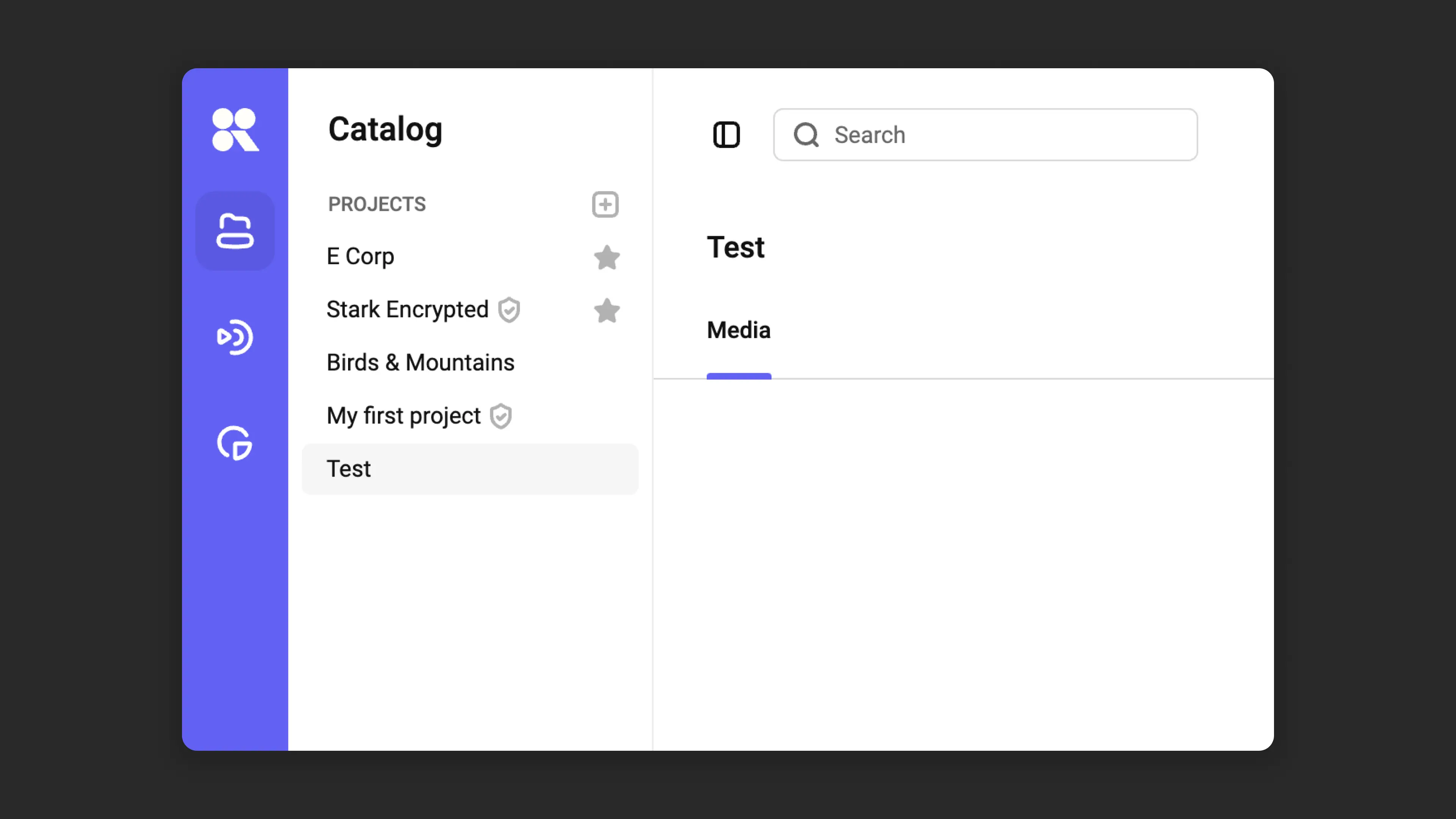
Catalog
The catalog is a space for organizing your video, where you can group content by projects, folders, and tags. Its interface resembles a familiar file system, making it easy to manage and find what you need.
Learn more about catalog capabilities in the article Organizing your media library in Kinescope.
File uploads
There are several ways to upload files to Kinescope, described in the article Advanced file upload. The platform optimizes content at multiple quality levels and for different devices, and you can watch video immediately after uploading.
Player customization
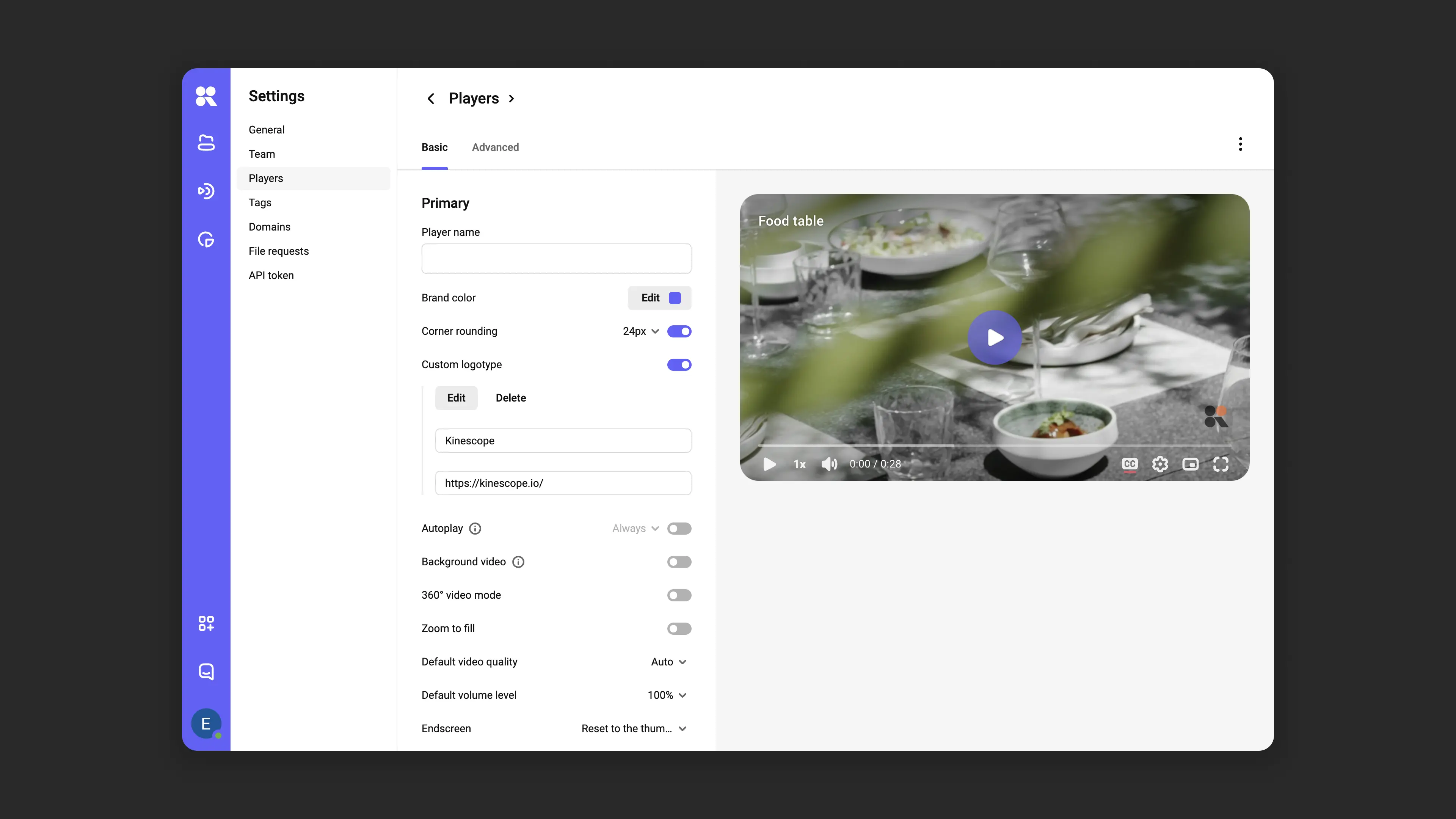
The Kinescope player can be tailored to your site design or brand style: change colors, add a logo, subtitles, chapters, and CTA buttons. You can set up multiple player templates and assign the right one to each video. Customization makes viewing more comfortable and increases audience engagement.
Learn how to configure it in the article Player customization.
Catalog search
The search bar with filters helps you find what you need quickly. You can search projects, folders, and files by name, tags, upload date, and other parameters.
Find more information about search in the article Catalog search.
Playlists
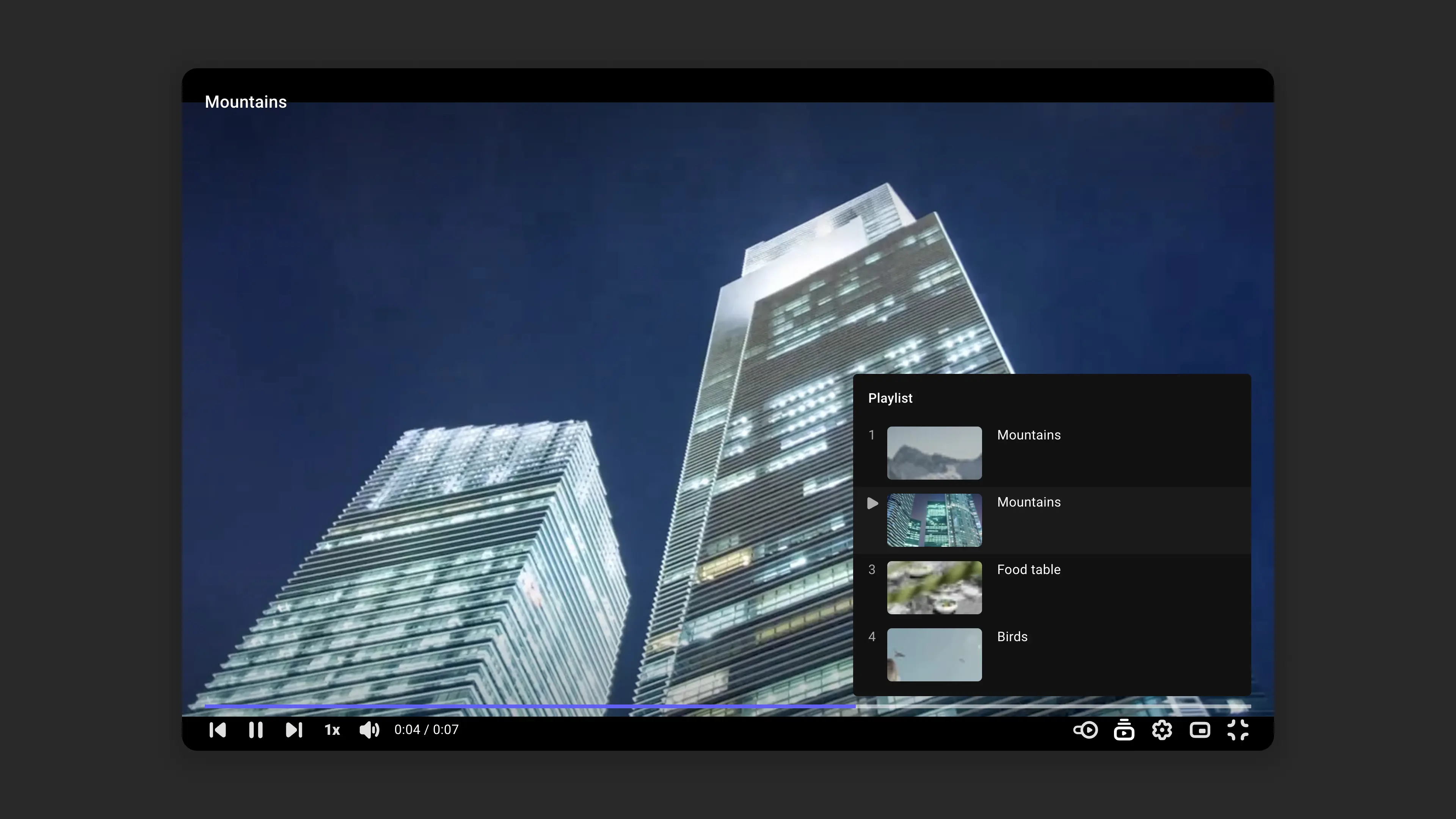
Playlists let you group videos into sequential collections. This is useful for courses, product demos, or presentations that require a strict playback order.
Learn more about playlist capabilities in the article Playlists.
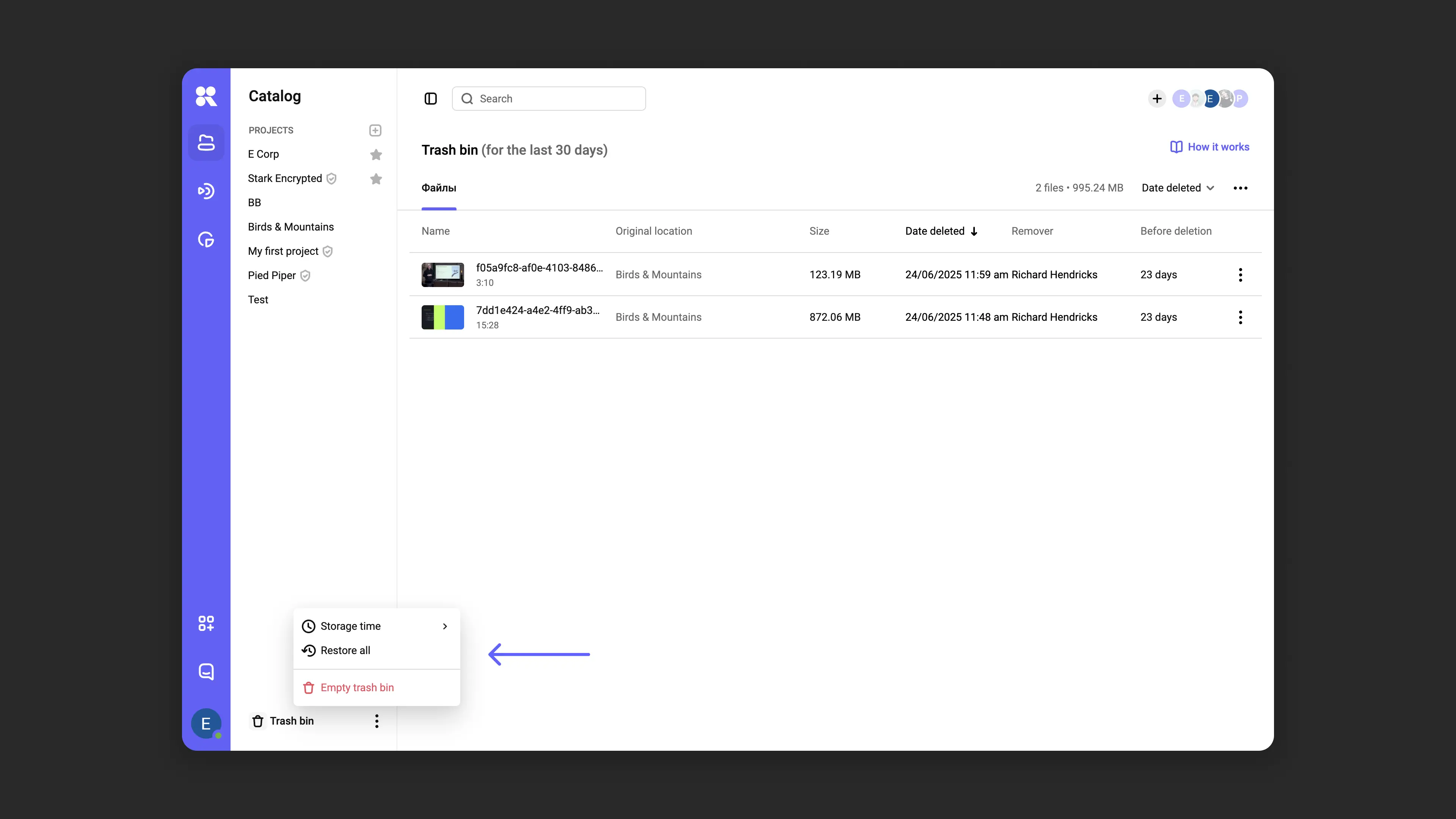
Recycle bin
Deleted files, projects, and folders are moved to the recycle bin, where they are kept for 30 days — this period can be changed. Accidentally deleted content can be easily restored, and you can also empty the bin manually to free up storage space.
Learn more about the recycle bin in the article Recycle bin.
Audio tracks
Kinescope supports uploading additional audio tracks to make your content more accessible to your audience — even when speaking different languages.
Learn how to set up audio tracks in the article Working with files: subtitles, chapters, and more.
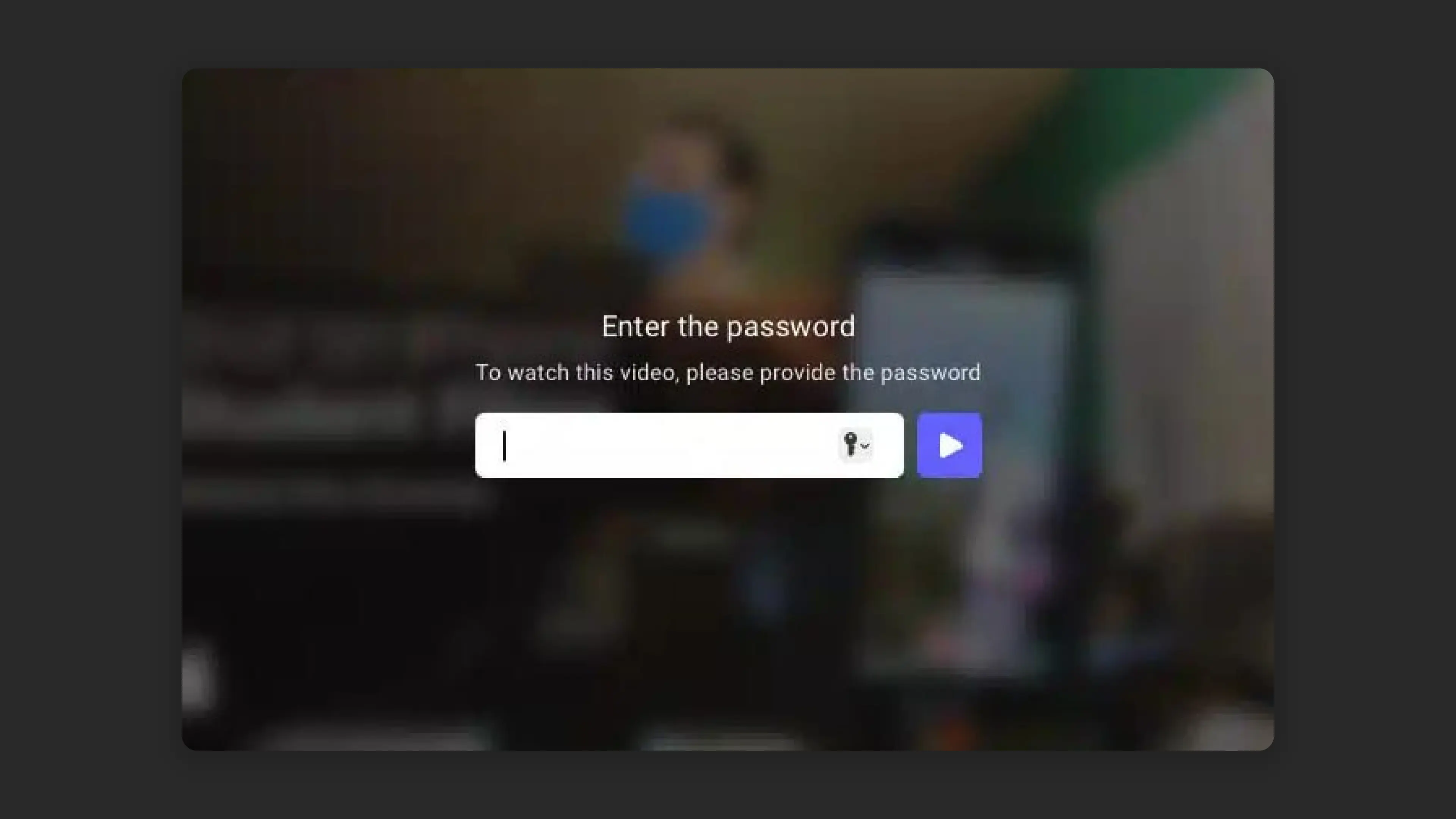
Content protection
Kinescope offers reliable video protection technologies: DRM encryption, domain and password access restrictions, viewer allowlists, watermarks, screen recording and download blocking. Even if an attacker manages to download your content, they won’t be able to play or copy it without consequences.
Learn more about content protection and how to set it up here.
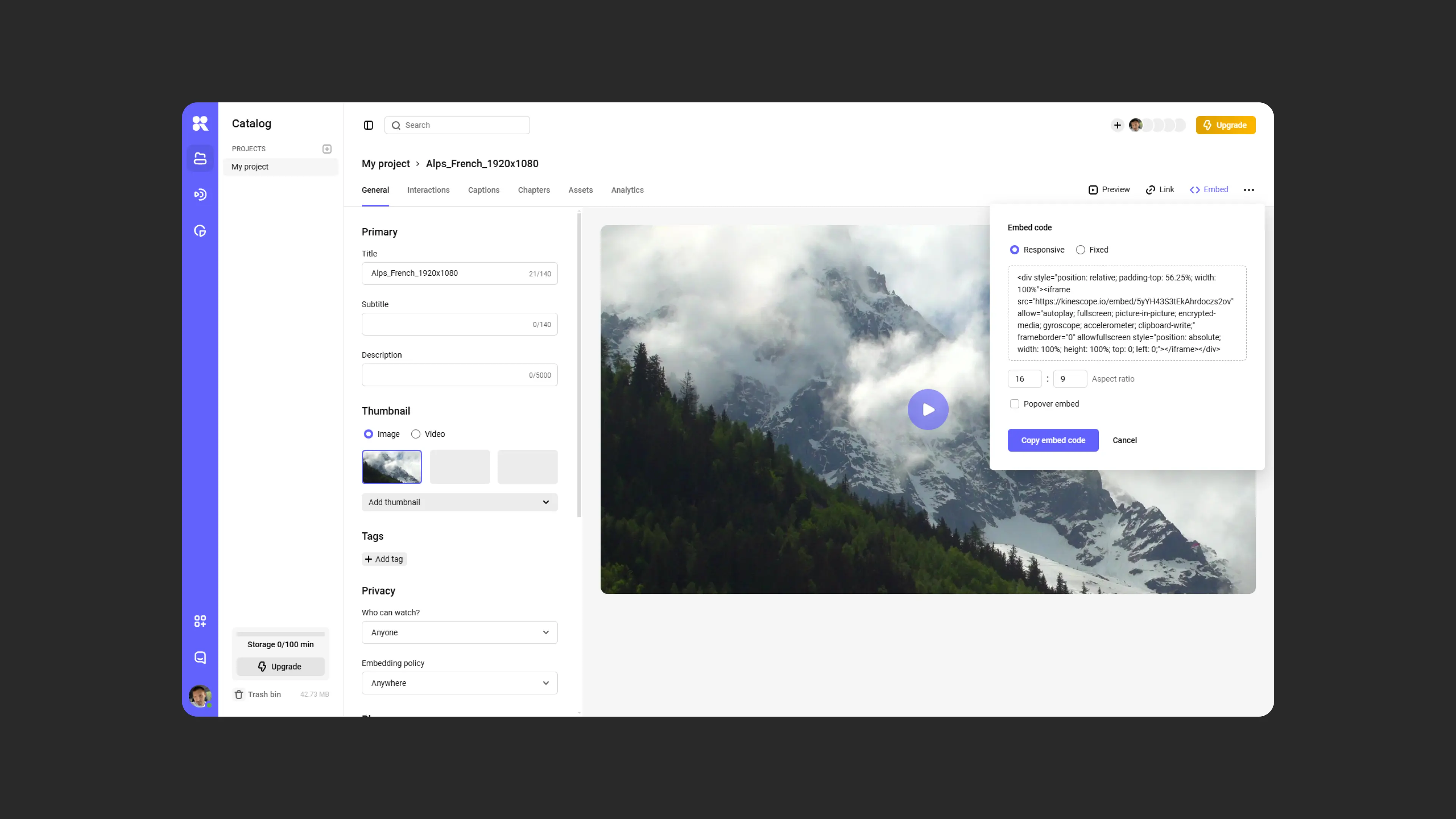
Embedding
Videos from Kinescope can be easily embedded on websites and platforms via a responsive iframe code. The player adapts to each viewer, so they can comfortably watch your content on any device.
Learn more about embedding options in the article Embedding.
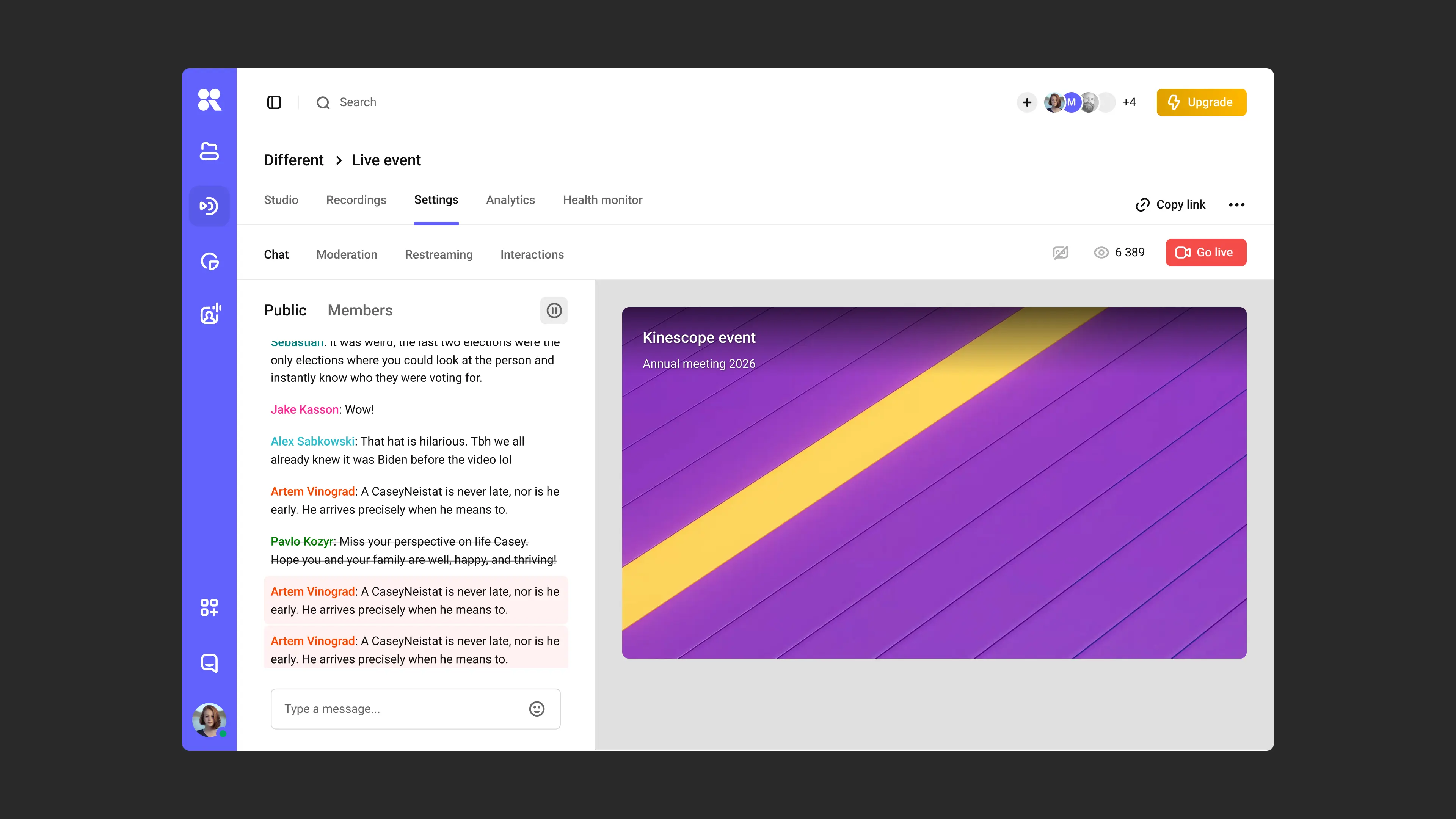
Live
The platform supports live streams with recording, restreaming, view analytics, access control, and website embedding with a chat. It’s everything you need for webinars, lectures, and online events.
The live streaming guide and instructions are here.
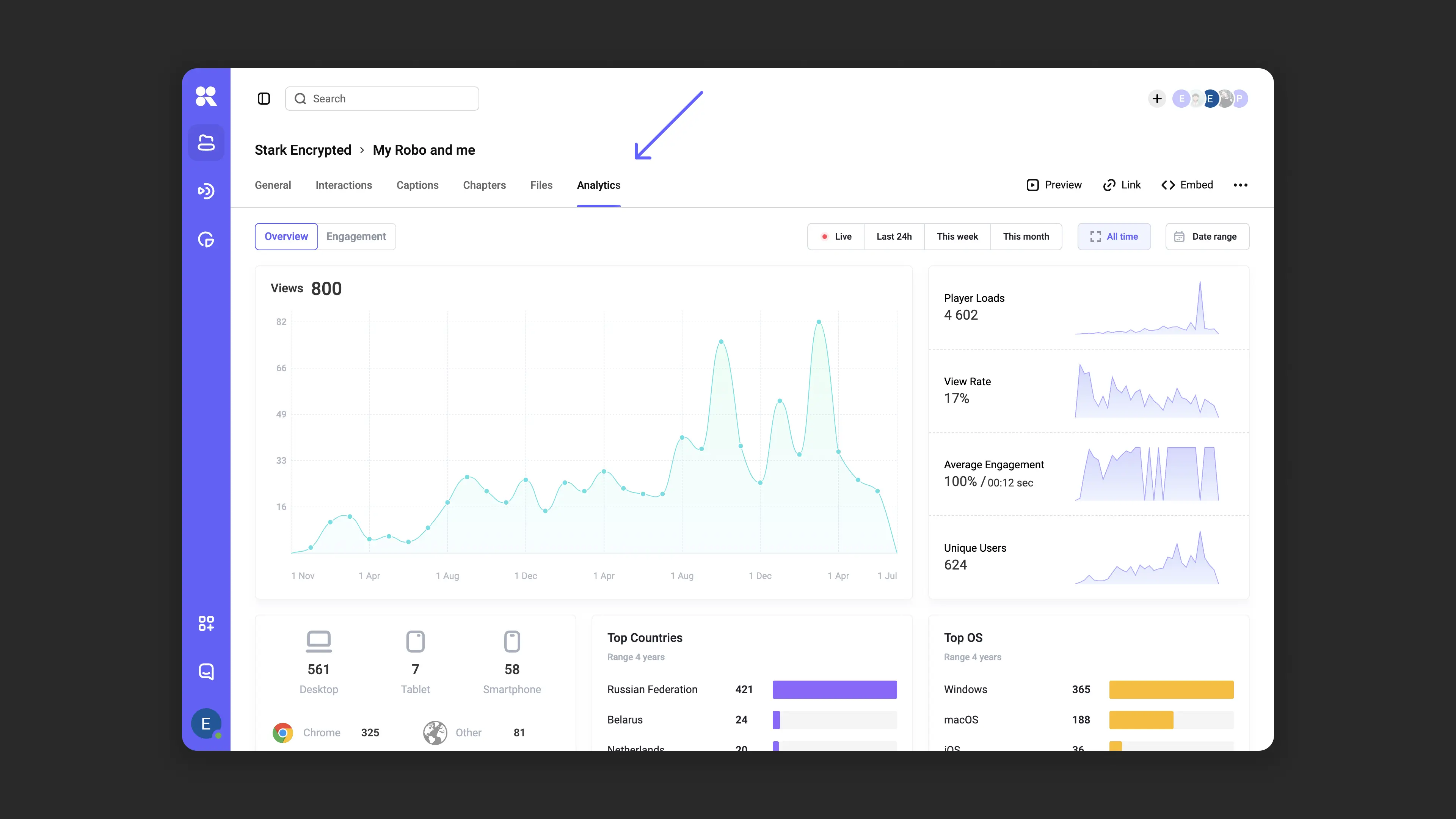
Analytics
Kinescope’s analytics tools let you track views, engagement, content popularity, geography, and audience behavior. Analytics makes it easier to optimize your video strategy and stay closer to your viewers.
Learn about accessing analytics and key metrics in the article Analytics.
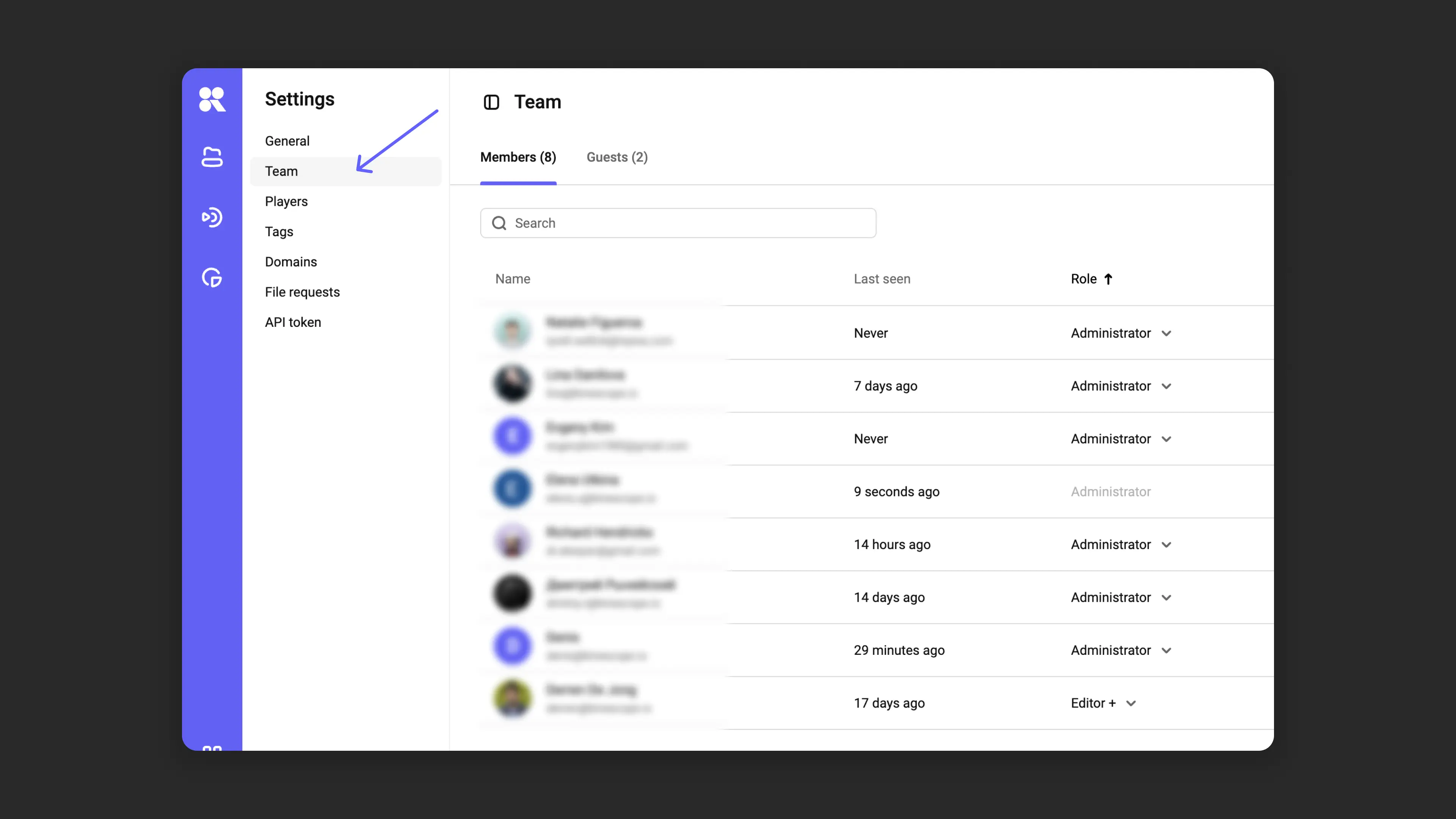
Team collaboration
Roles and access levels for team members simplify collaboration and content management. Each participant sees only what they’re allowed to see. You can also request file uploads to your catalog without granting system access — this is convenient when working with contractors.
Learn how to configure and use this in the article Managing team access rights.
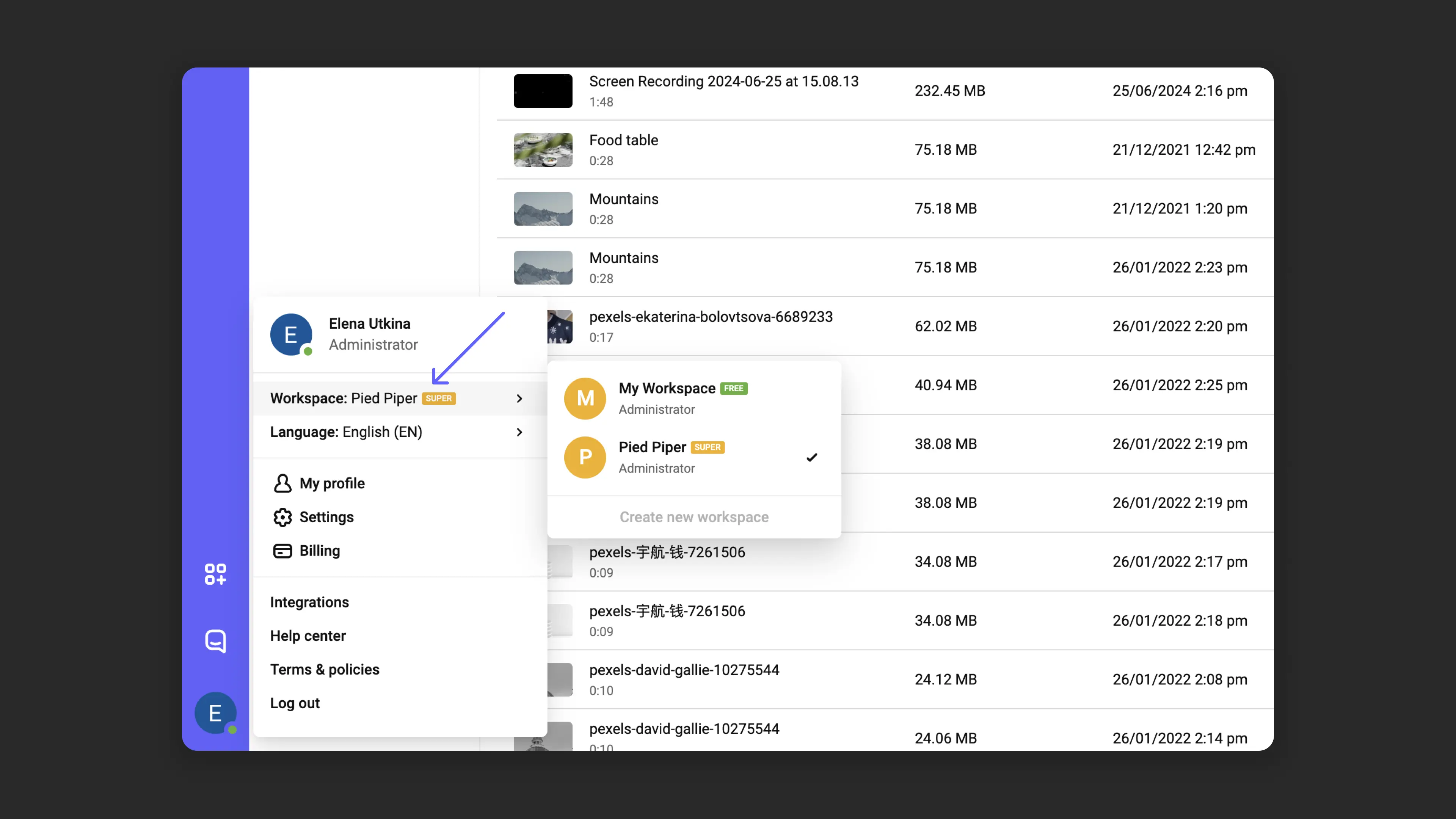
Workspaces
Workspaces let you separate projects and teams within a single account. This is useful when you have multiple lines of work or many clients.
Learn about all available options and how to configure them in the article Profile and workspace settings.
Integrations
Kinescope supports integrations with popular tools: LMS, CRM, and website builders such as Tilda. Kinescope is ready to become part of your business or project’s unified ecosystem.
Ready-made scripts and detailed instructions are available — learn more in the Integrations section.
What’s next?
After exploring Kinescope’s features, we recommend:
- Creating your first project — upload and publish your first video
- Organizing your media library — create projects and folders to structure your content
- Embedding — embed video on your website
- Player customization — adapt the player’s appearance to your brand
Still have questions? Write to the support chat within the Kinescope interface — our specialists will help!