Skip navigation

Getting Started

Updated: 28.04.2026

Welcome to Kinescope! This section will help you get up and running quickly — from registration to publishing your first video.
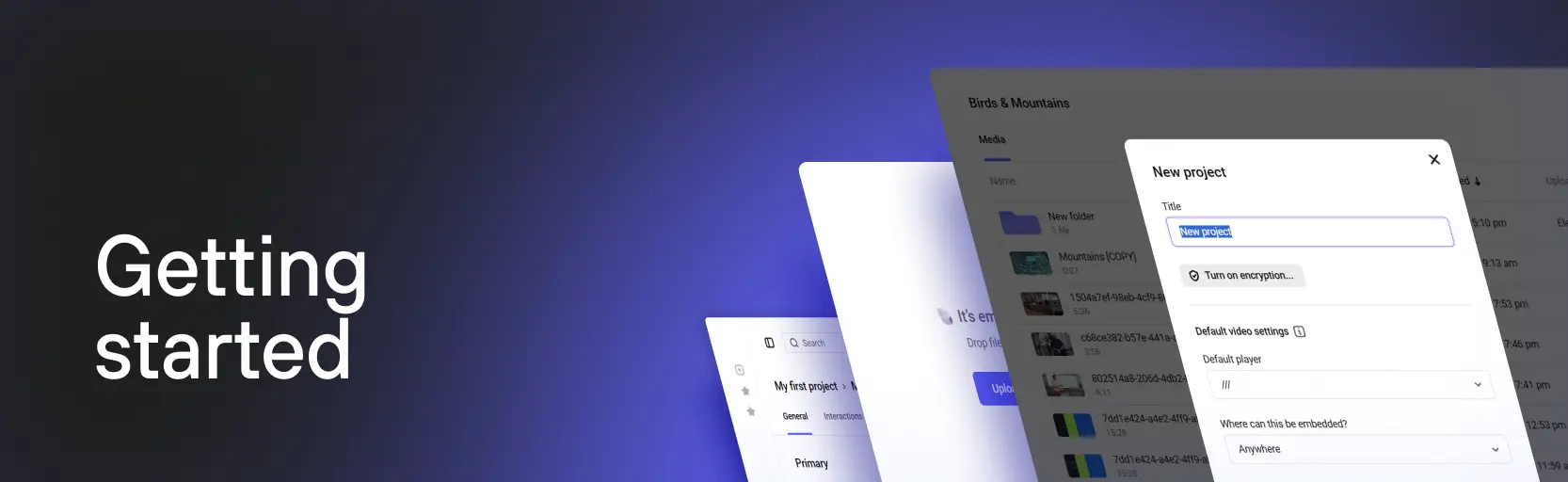
Kinescope dashboard

Who this section is for

  • Beginners — you’re using a video platform for the first time and want to learn the basics
  • Switching from another platform — you’ve worked with video services before and want to get started with Kinescope quickly
  • Developers — you need to quickly integrate video into a website or application

Where to start

If you’re a beginner

  1. Creating your first project and uploading files — step-by-step guide from registration to publishing your first video
  2. Kinescope feature overview — learn what capabilities are available on the platform

If you’re switching from another platform

  1. Migrating from other platforms to Kinescope — how to transfer your media library from YouTube, Vimeo, Wistia, and other services
  2. Creating your first project — setting up your project and uploading content

If you’re a developer

  1. Creating your first project — basic project configuration
  2. Embedding the player — technical integration details
  3. Developer guides — API, SDK, and advanced capabilities

Key topics

Registration and first project

Start by registering on the platform and creating your first project. In the project you set the default settings: content protection, embedding restrictions, and the default player template.

More about creating a project →

Uploading and processing video

Upload a video to your project — the platform automatically prepares it for playback at different quality levels. Popular formats are supported: MP4, MOV, MKV, and more.

More about uploading →

Publishing and embedding

Share video by link or embed the player on your website. Two types of embed code are available: responsive (adapts to the screen) and fixed (preserves set dimensions).

More about embedding →

Content migration

Transfer your media library from other platforms — migration is free and can be automated. Transfers from YouTube, Vimeo, Wistia, and other services are supported.

More about migration →

What’s next?

After creating a project and uploading your first video:

  1. Catalog and video management — organizing content, playlists, search
  2. Organize your media library — use projects, folders, and tags for easy navigation
  3. Video player: setup and embedding — customization and player integration
  4. Customize the player — adapt the appearance to your brand
  5. Set up content protection — protect your video from unauthorized use
  6. Set up analytics — track views and viewer behavior
  7. Troubleshooting and support — solving problems and contacting support

FAQ

Answers to common questions about getting started with Kinescope:

  • FAQ — how to contact support, IP addresses, equipment locations
  • What is Kinescope? — detailed information about the platform and its capabilities

Still have questions? Write to the support chat within the Kinescope interface — our specialists will help!

Section pages

  • What is Kinescope?

    Kinescope is an all-in-one video platform for businesses and creators. Professional tools for video management, content storage, and streaming with built-in protection.

  • Migrating from Other Platforms to Kinescope

    Switching to Kinescope from Vimeo, YouTube, Wistia, JW Player, Dacast, Boomstream, and cloud storage providers like AWS and Azure.

  • Creating Your First Project and Uploading Files

    Step-by-step guide to creating your first project in Kinescope: registration, dashboard walkthrough, uploading video, configuring and publishing your content.

  • Kinescope Feature Overview

    Overview of Kinescope platform features: dashboard, video catalog, file uploads, player customization, playlists, content protection, and analytics.

  • FAQ

    Answers to common questions about working with Kinescope: contacting technical support, IP addresses, equipment locations, and other frequently asked questions.